For iPhone · Built for iOS 26

Your recipes,
organized.

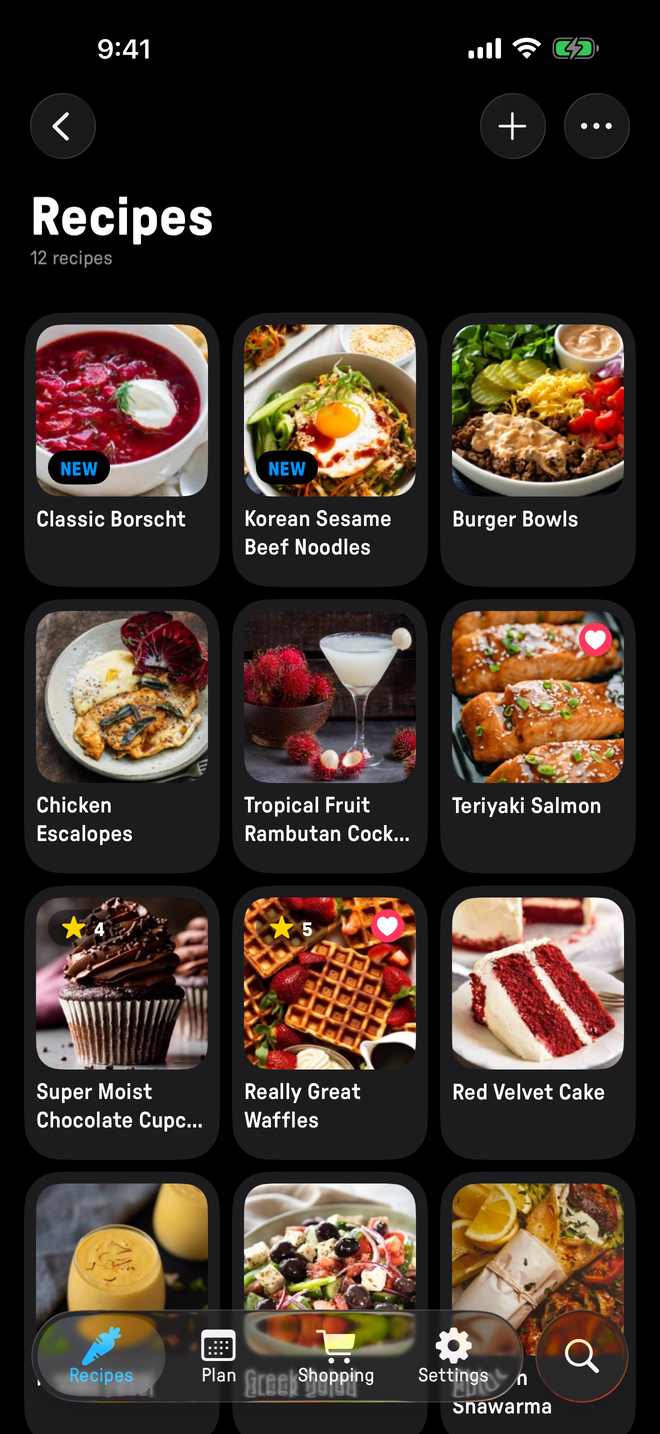
Plate is a fast recipe manager for iPhone. Paste a link, snap a photo of a cookbook page, or type one in from memory. Cook from big, clear steps, plan the week, and send the shopping list straight to Reminders.

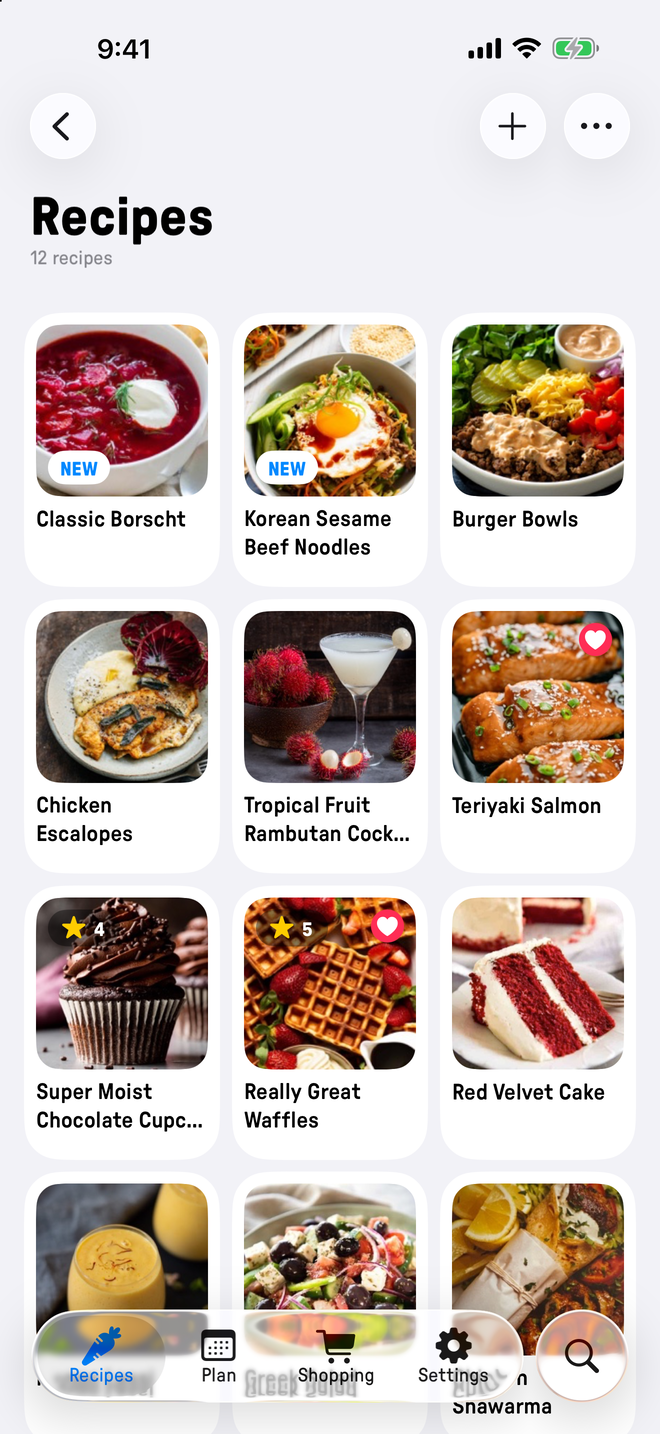
iPhone: recipe list306×662placeholder · replace with screenshot

Features

The whole job, from saving a recipe to shopping for it.

Recipes

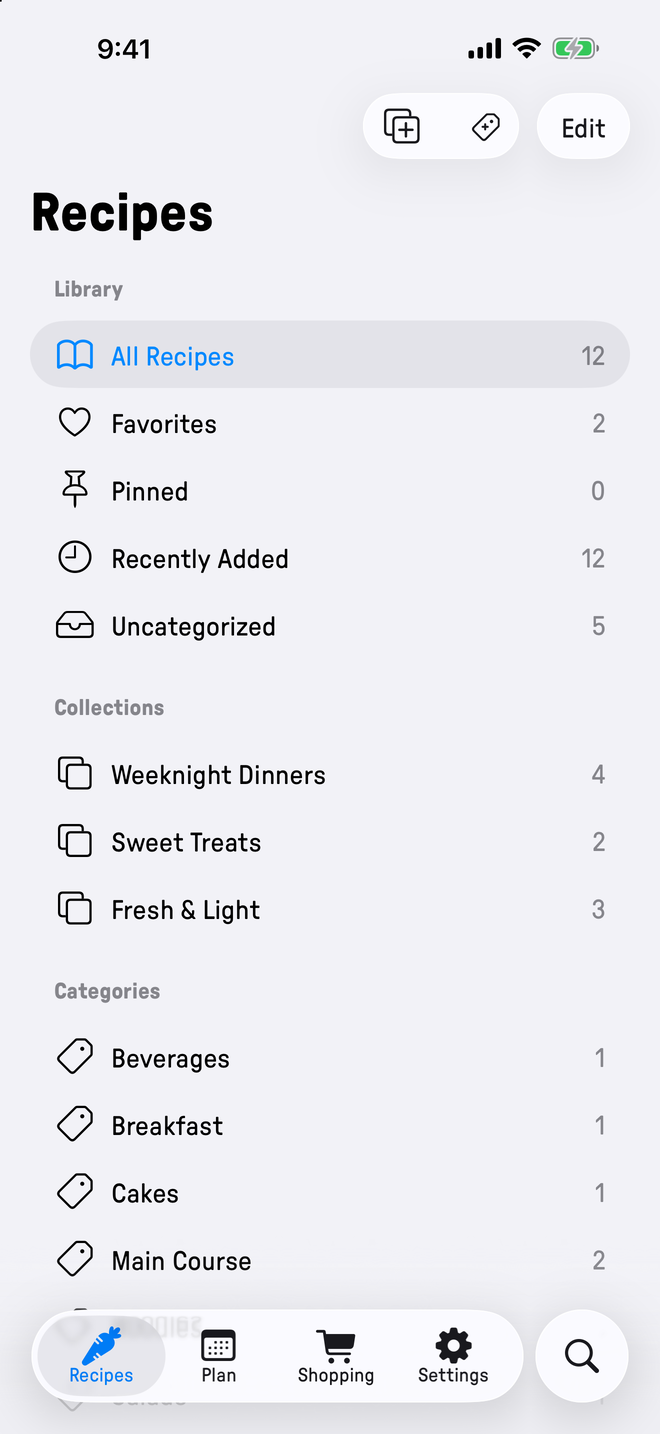
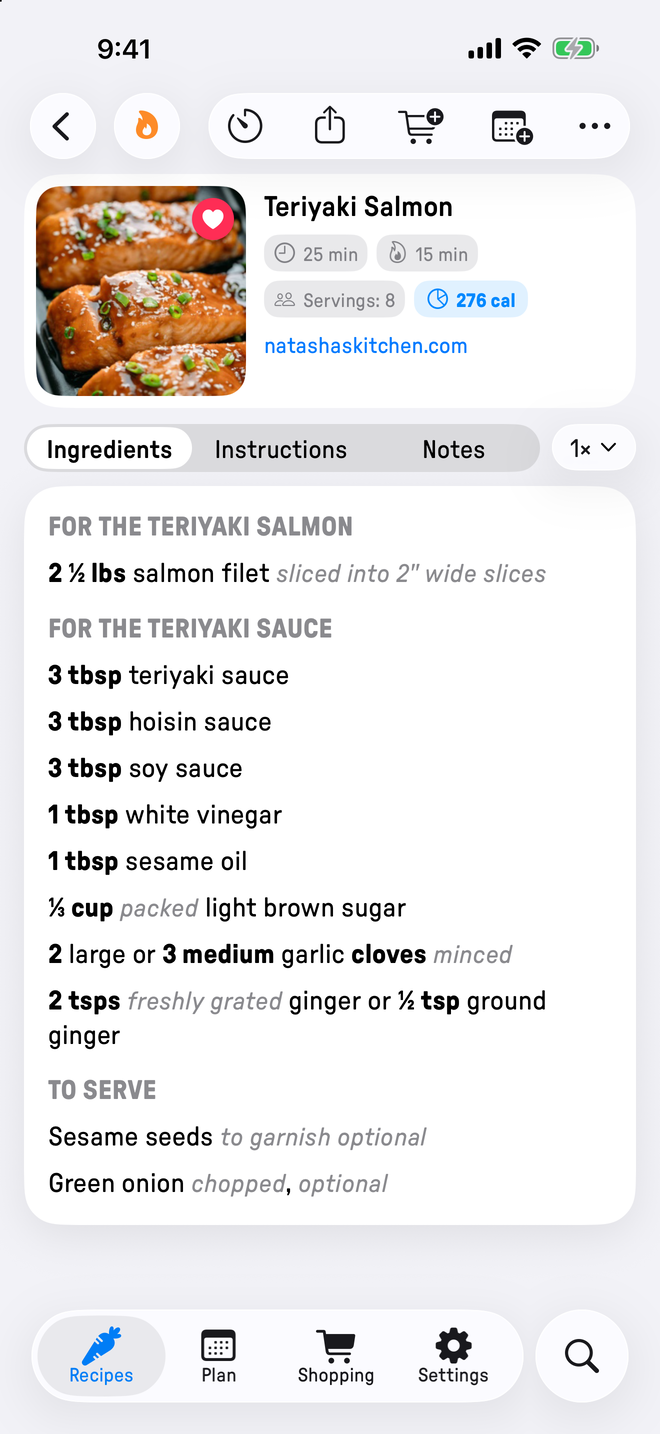
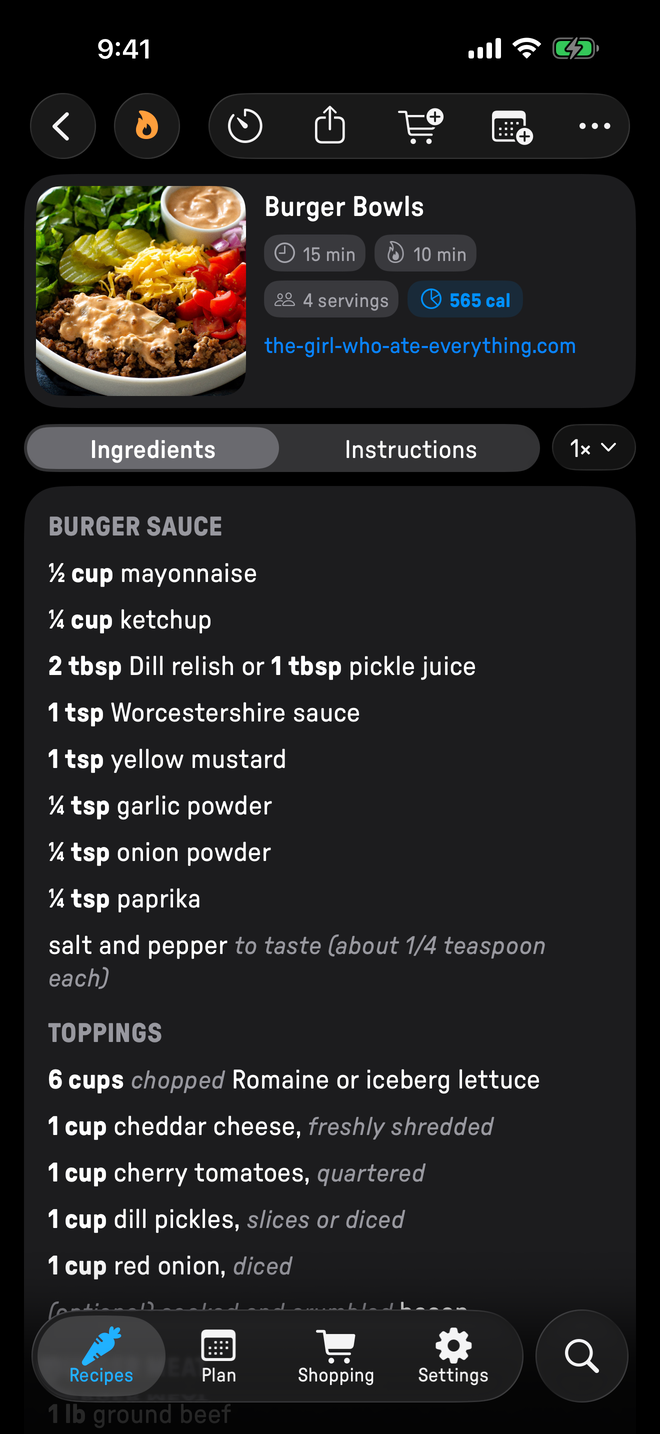
Photos, ingredients, steps, ratings, timings, notes, and collections. Search will find the lemon thing you saved back in March.

Cook Mode

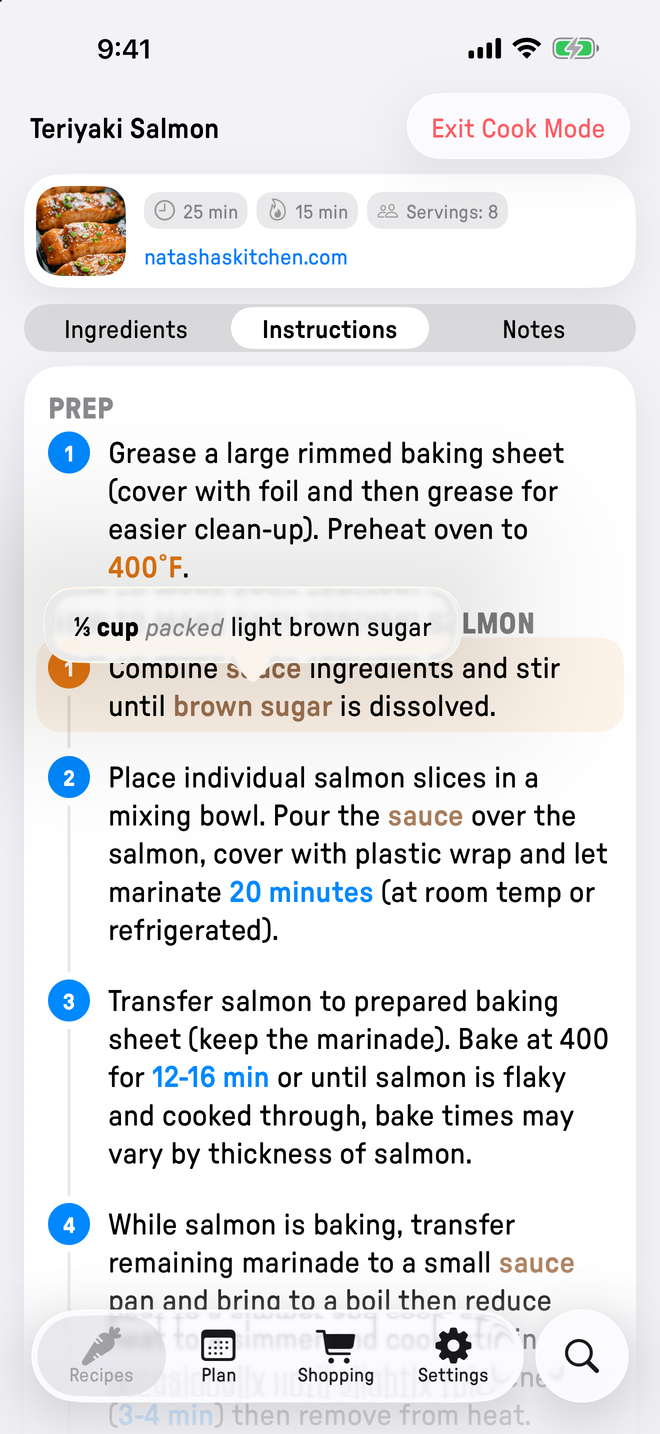
Big text, hidden chrome, and protection against stray touches. The screen stays on while you cook.

Timers

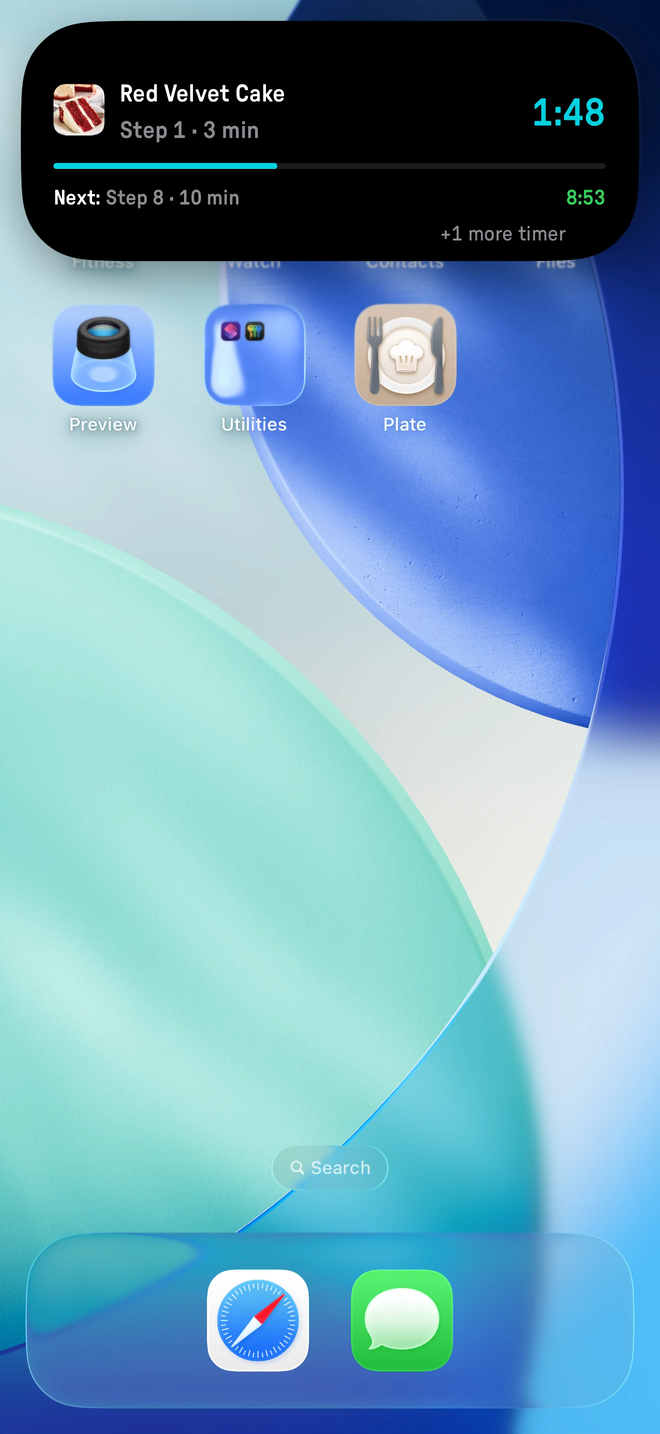
Tap any duration in a step to start a timer. It follows you around the app and stays visible in the Dynamic Island while you get on with the rest.

Meal Plan

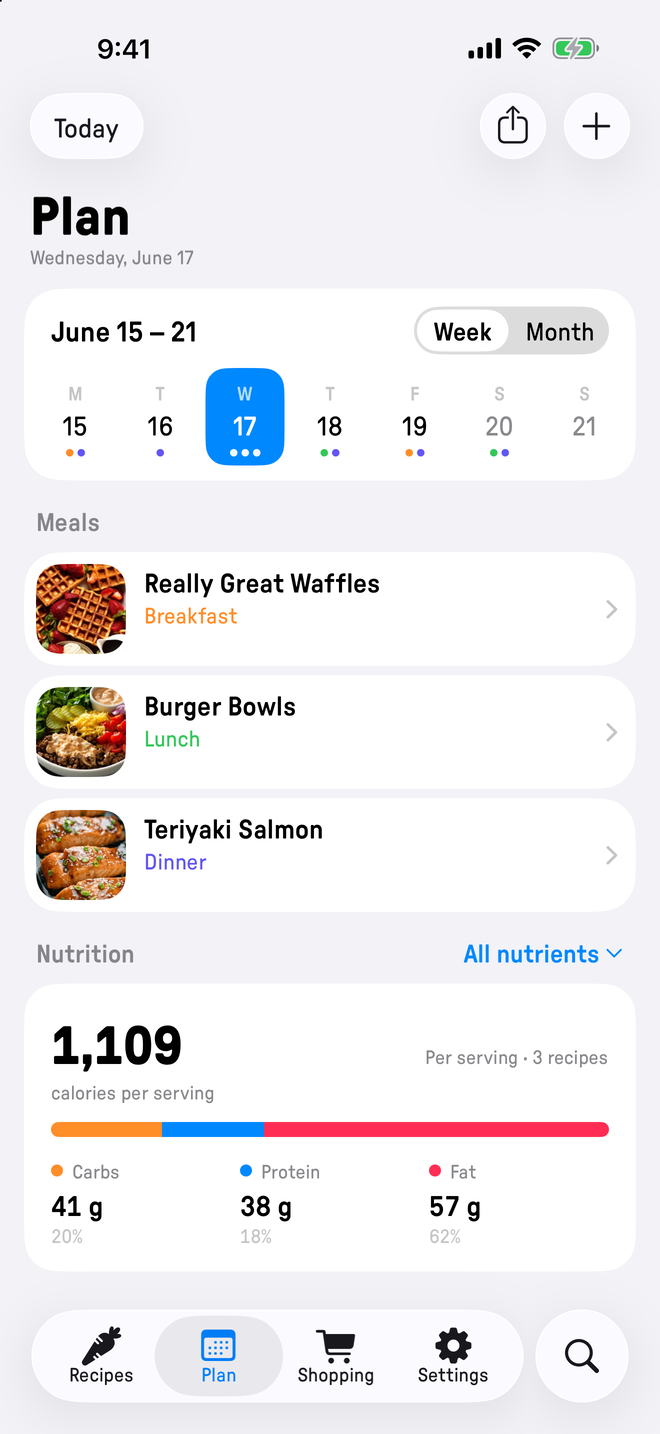
Put a recipe on any date, or a plain note like "eating out". Week and month views show the whole plan at a glance.

Shopping List

Build it from any recipe, share it with the household through Apple Reminders, and check things off at the store.

Import & export

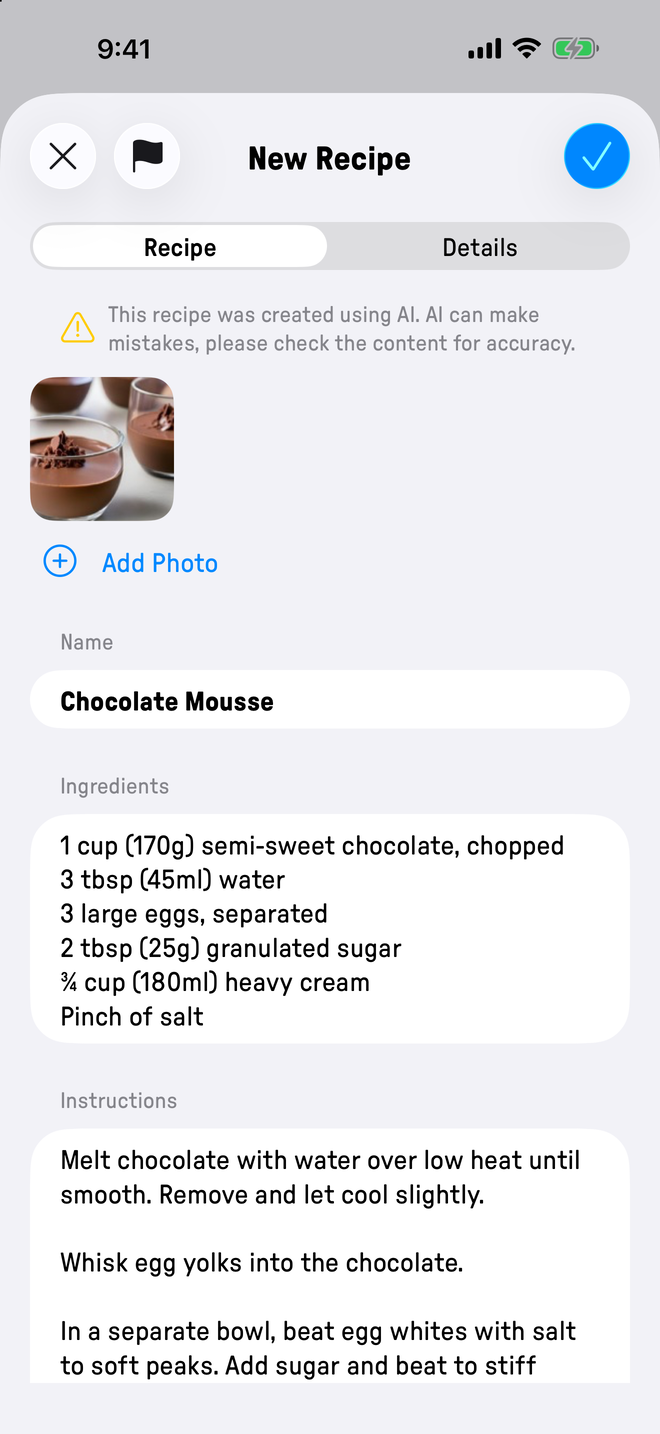
Bring recipes in from the web, a photo, or a PDF. Two-way support for Paprika, Recipe Keeper, and Crouton.

Yours, end to end

Your data is yours.

Plate stores your recipes in your private iCloud account, never on a server we control. Anything you brought in from another app, you can export right back out. If you ever leave, everything goes with you.

iPhone: export recipes280×606placeholder · replace with screenshot
Export to .platerecipes, Paprika, Recipe Keeper, or Crouton

On-device intelligence

Point the camera at a cookbook page.

Plate reads the photo and pulls out the title, the ingredients, and every step. All of it runs on your iPhone. Nothing is uploaded anywhere.

iPhone: photo import280×606placeholder · replace with screenshot
Camera capture, all on device

Made for iOS 26

At home on iOS 26.

Built fresh on iOS 26 with Liquid Glass throughout. Every timer gets a Live Activity, countdowns sit in the Dynamic Island, and Siri can add to the shopping list while your hands are covered in flour.

iPhone: Live Activity timer280×606placeholder · replace with screenshot
Live Activity on the Lock Screen and in the Dynamic Island
Your iCloud, not ours
No analytics. No trackers. No accounts.
All AI runs on your device
Built for iOS 26 and Liquid Glass

Frequently asked

A few common questions.

Is Plate free?
Plate is a one-time purchase on the App Store. No subscriptions, no ads, no in-app upsells. The price is the price, and you can find it on the App Store listing.
Where is my data stored?
On your iPhone first, with a private CloudKit backup in your iCloud account. Your recipes never touch a server we control, and we cannot read them. The only thing that ever reaches us is a quality report you choose to send when an import goes wrong, and those are encrypted and hold no personal information. The shopping list also writes to Apple Reminders so the rest of the household can see it.
Does Plate work offline?
Yes. Everything is stored locally, and the iCloud backup catches up in the background when a connection is available. Web import needs a network because it fetches the source page. Everything else works on a plane.
Can I import from another recipe app?
Yes. Plate reads archives from Paprika, Recipe Keeper, and Crouton, plus individual recipes from recipe websites, with or without structured data. It also reads recipes from PDFs and photos. Whatever you brought in, you can export back out in the same format.
What about iPad and Mac?
Plate is iPhone-only today. iPad and Mac versions are in the works, and they will ship when they feel right, not before.
Do I need an account?
No. There is no account system, no signup, and no password. Backup runs through the iCloud account already on your phone.

Start cooking with Plate.

One-time purchase on the App Store. No subscription, no account, no ads.